Marketing
5 Email Marketing Automations Worth Setting Up in 2026
Email marketing without automation is potential left on the table. Here are 5 sequences that run in the background and win customers back - from the first welcome email to reactivating an inactive list.
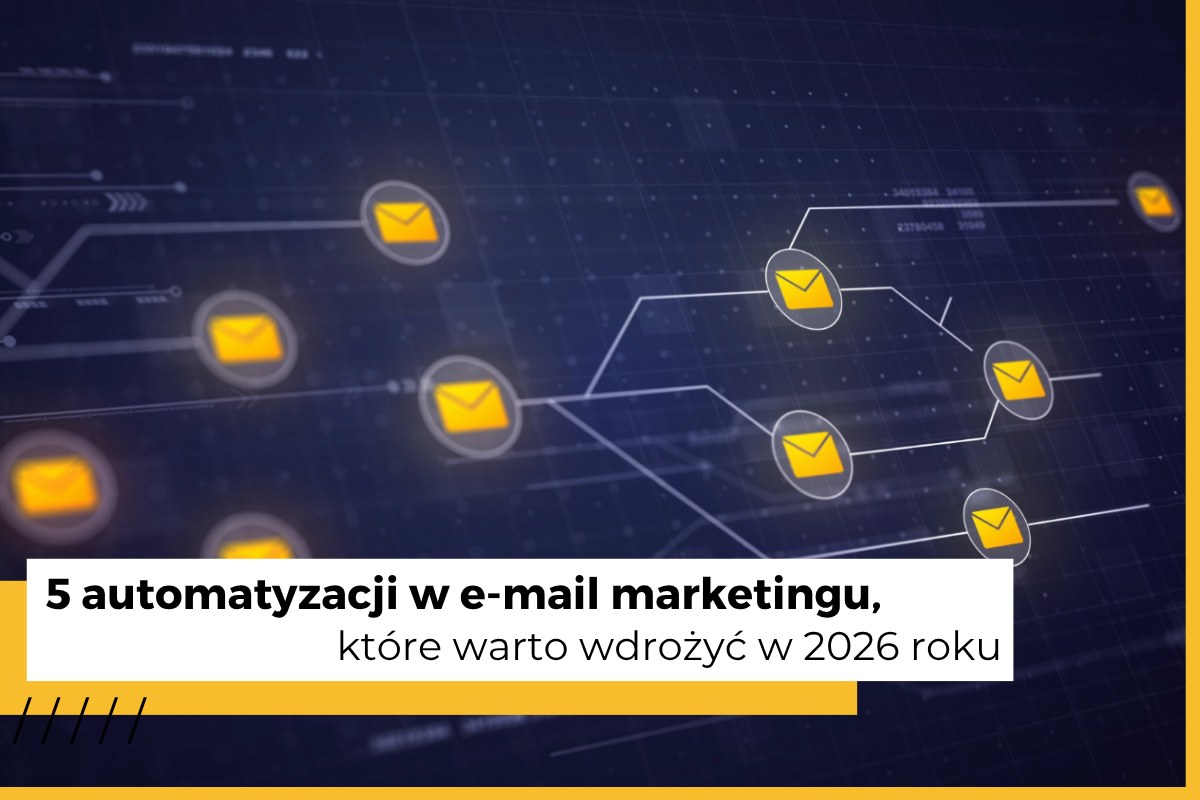
You run email marketing, you have a list of subscribers, you send newsletters - but you sense that a lot of potential is slipping away somewhere? Customers sign up and disappear, carts get abandoned, and your list keeps growing in a spreadsheet while sales stay flat.
The answer is automation. It's not about sending more emails - it's about sending the right message, to the right person, at exactly the moment it makes the most sense. Set up once, these sequences keep running in the background without any effort on your part.
Below we cover 5 specific automations worth setting up regardless of whether you run an online store, a service business, or your own newsletter.
Prefer to listen? We cover this topic on our podcast Biznes w Internecie. Below you'll find the episode on the 5 email marketing automations worth setting up in 2026:
What exactly is automation in email marketing?
Automation is a sequence of messages or actions triggered by specific user behavior. The simplest version looks like this: the user does X - the system sends message Y or moves them into a different list segment.
For example: someone scrolls through a landing page and gets a reminder. Someone clicks a link about a specific service and moves on to the next stage of the sequence. Rules like these can be stacked like building blocks and combined into complex communication paths.
1. Welcome sequence
The problem: a new subscriber signs up, downloads the lead magnet, and... forgets about you. The engagement they showed when signing up fades quickly if there's no follow-up nudge.
How does it work?
The sequence starts automatically after sign-up. It usually consists of 3 messages:
- Email 1 (immediately): a welcome, confirmation of sign-up, and possibly a benefit (discount, lead magnet).
- Email 2 (1-2 days): who you are, why you can be trusted, and what you have to offer.
- Email 3 (2-4 days): bestsellers, customer reviews, social proof.
Importantly, the sequence doesn't have to end once an email is opened. You can set it up so a message "waits" in the inbox for a week or two, with the next stage triggering only once the user clicks a link or opens the message. This way, everyone moves through the sequence at their own pace.
What this automation delivers
Fewer "dead" subscribers, higher engagement from the start, and better sales results on first purchases or conversions.
2. Abandoned cart
The problem: users routinely treat the cart like a wish list. They add products that caught their interest, then leave - and never come back. Or they come back weeks later.
How does it work?
This automation integrates with your store software and triggers when a logged-in user has added a product to the cart but hasn't completed the order. A typical sequence fits into the broader marketing funnel - it's the moment right before the purchase decision, when a single nudge can seal the sale:
- Email 1 (1-3 hours): "Hey, you've got items in your cart" - a simple reminder with a link and a product photo.
- Email 2 (24 hours): arguments - fast delivery, reviews from other customers, answers to common doubts.
- Email 3 (48-72 hours): an optional discount or a limited-time offer to close the decision.
What this automation delivers
Recovered lost orders and a higher ROI - this is usually one of the best-converting sequences in all of email marketing.
3. Browse abandonment
The problem: a user visits the store, browses products in a specific category, but doesn't add anything to the cart and leaves. That's a signal of interest - but one you never respond to.
How does it work?
Similar to abandoned cart, this automation requires integration with the site. It triggers when a user has visited a given category or product several times without taking action. It's worth making sure your online store's UX is solid here - automations work best when the site itself doesn't scare customers away before they come back.
- Email 1 (within 24 hours): show the product they viewed - "this caught your eye."
- Email 2 (1-2 days): similar products or alternatives from the same category.
- Email 3 (optional): a bestseller from that category, or reviews from other buyers.
What this automation delivers
More return visits, a higher chance of adding items to the cart, and better conversion from the traffic you already have - without spending more on ads.
4. Post-purchase sequence
The problem: the customer buys, and that's the last you hear from them. Most businesses focus on acquiring new customers, forgetting about the one who just made a purchase - even though that person is the most likely to buy again.
How does it work?
The sequence starts right after the order is completed and runs over the following days:
- Email 1 (immediately): order confirmation with information on next steps.
- Email 2 (a few days later): how to use the product, onboarding, tips.
- Email 3 (5-10 days): cross-sell - complementary or related products.
- Email 4 (7-14 days): a request for feedback or a review.
A good example of personalization: a store selling perfume samples sends a message after purchase recommending the full collection - but tailored to the buyer's gender. Not "check out our store," but "liked these samples? Take a look at our men's fragrance collection." This kind of personalization is easy to achieve with dynamic fields available in tools like GetResponse, Klaviyo, or ActiveCampaign.
A post-purchase sequence is also a good starting point for building a loyalty program - a customer who feels looked after following their first transaction is far more likely to come back.
What this automation delivers
More returning customers, higher LTV (lifetime value), and an organically growing number of reviews.
5. Reactivating inactive contacts
The problem: your list looks impressive in a spreadsheet, but a large share of contacts haven't opened a single message in months. This isn't just an illusion of reach - inactive contacts genuinely damage your sending domain's reputation and hurt your open rates.
If a thousand recipients consistently ignore your emails, mail providers start treating your messages as unwanted - and filter them out for everyone, including the people who'd actually want to read them. This is one of the reasons why online stores lose the effectiveness of their marketing efforts - not for lack of traffic, but for lack of communication quality.
How does it work?
The sequence triggers automatically when a contact has shown no activity for a set period (e.g. 90 days). It usually consists of 2-3 messages:
- Email 1: "we haven't seen you in a while" - with a concrete benefit for coming back (a discount, something new, something worthwhile).
- Email 2: a specific offer, one more attempt to spark interest.
- Email 3: last chance - a notice that if there's no response, the subscriber will be unsubscribed.
Contacts who don't respond even to this sequence are worth removing. That's a positive move: a cleaner list, better metrics, and a real, active audience instead of an illusion of reach.
Importantly, this sequence, like the others, can be set up once and left alone. It keeps running in the background all the time, automatically catching inactive contacts and triggering the reactivation sequence for them.
What this automation delivers
A higher open rate, better deliverability, and a better-protected domain reputation.
Summary - which automation should you start with?
If you don't have any automations in place yet, start with the first two - the welcome sequence and abandoned cart. Together they deliver the biggest impact for a relatively small amount of work.
Once these two sequences are running smoothly, add the post-purchase sequence. Browse abandonment and reactivation can be rolled out in stages - they require integration with the site and a bit more setup, but the payoff is clear.
Keep one rule in mind that sums up the whole approach: automations don't work because you send more emails. They work because you send the right messages - at the right moment - without spending your own time on every single send.
Want to set up automations in your business but not sure where to start? Check out our email marketing automation service - we'll help you choose the right tools and set up sequences tailored to your needs. Click the button below or fill out the contact form and find out what email marketing and automation can do for you!